

Engine on? You'll know.
An alert the moment someone starts your car, then follow it live.
Free · No ads · No device to buy
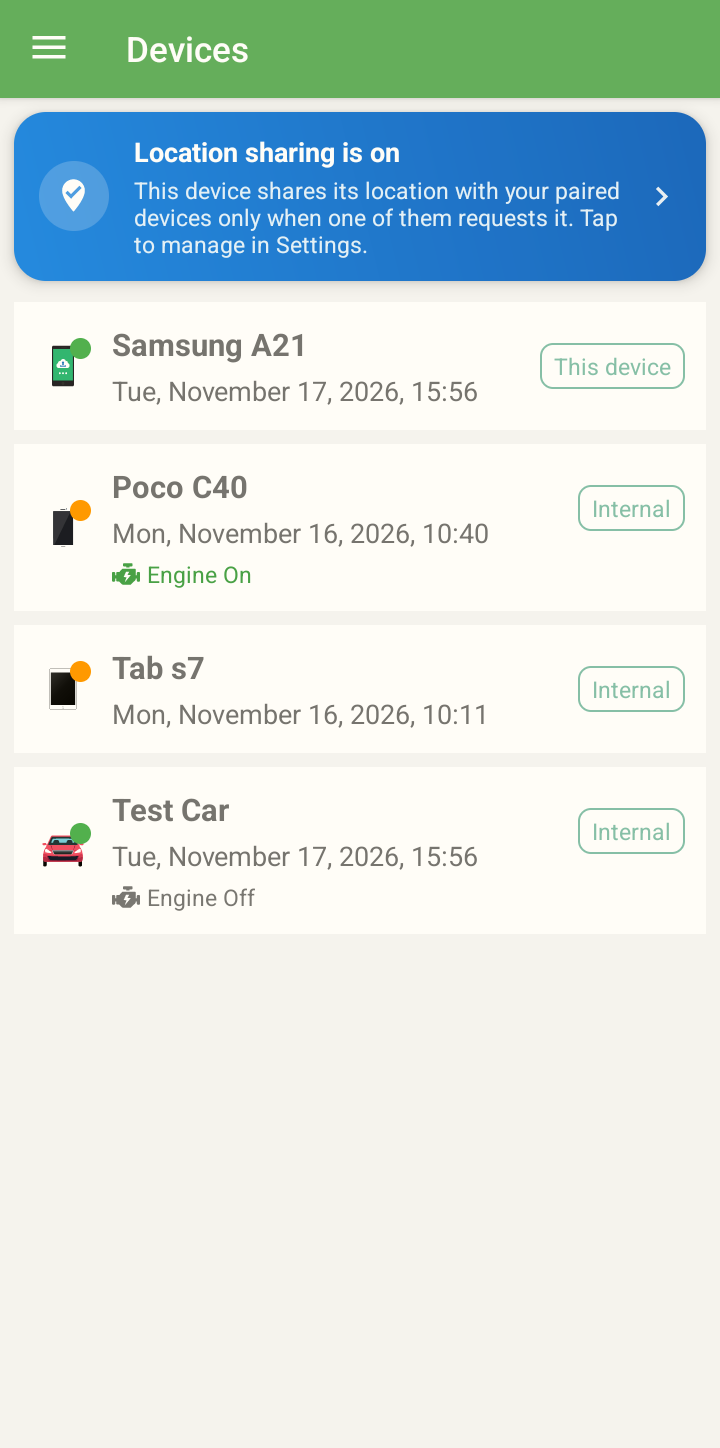
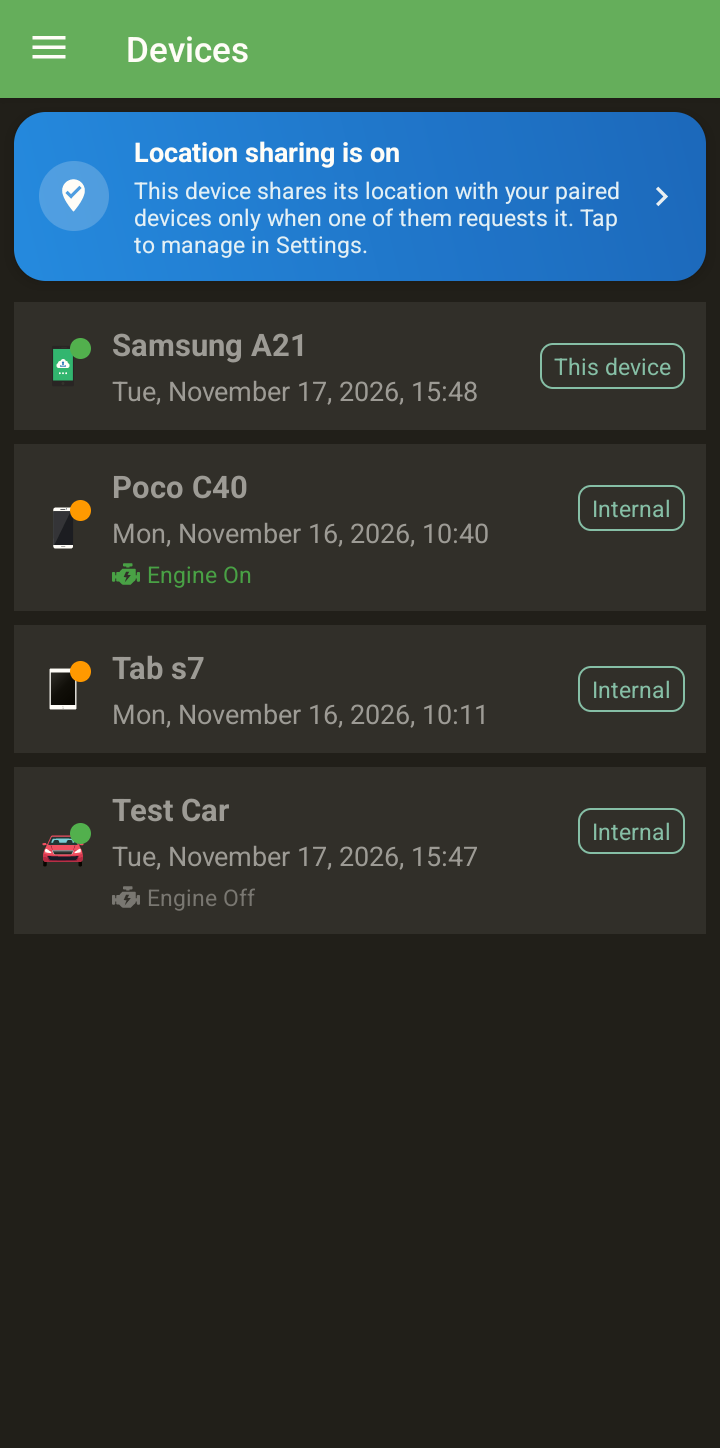
Leave an old Android phone in your car. See where it is, relive every trip and get an alert if someone starts it, all from your own phone. No monthly fee.
No hardware
Any Android 5.0+ phone works.
No subscription
Free, with no ads.
No servers of ours
Encrypted in your Google Drive.
30 languages
Pick yours in Settings.
Your spare phone · Your car's tracker
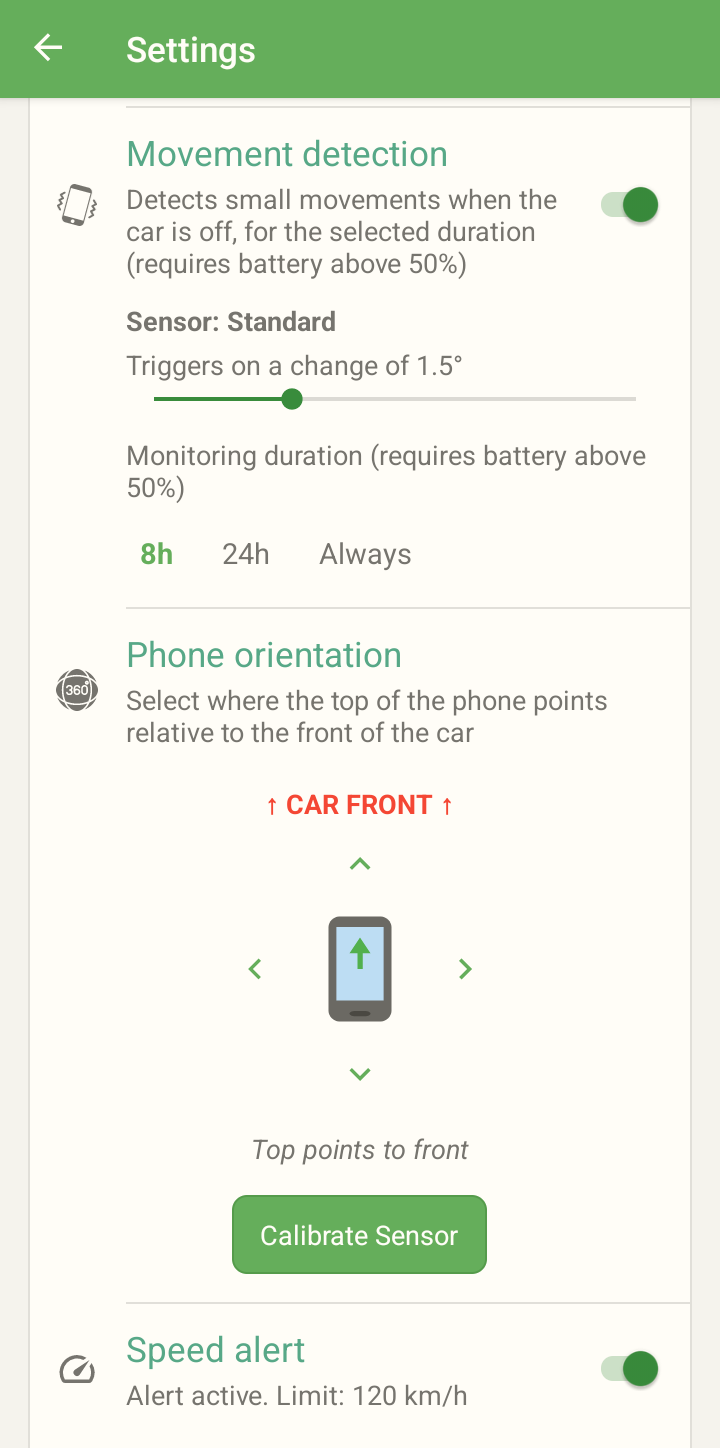
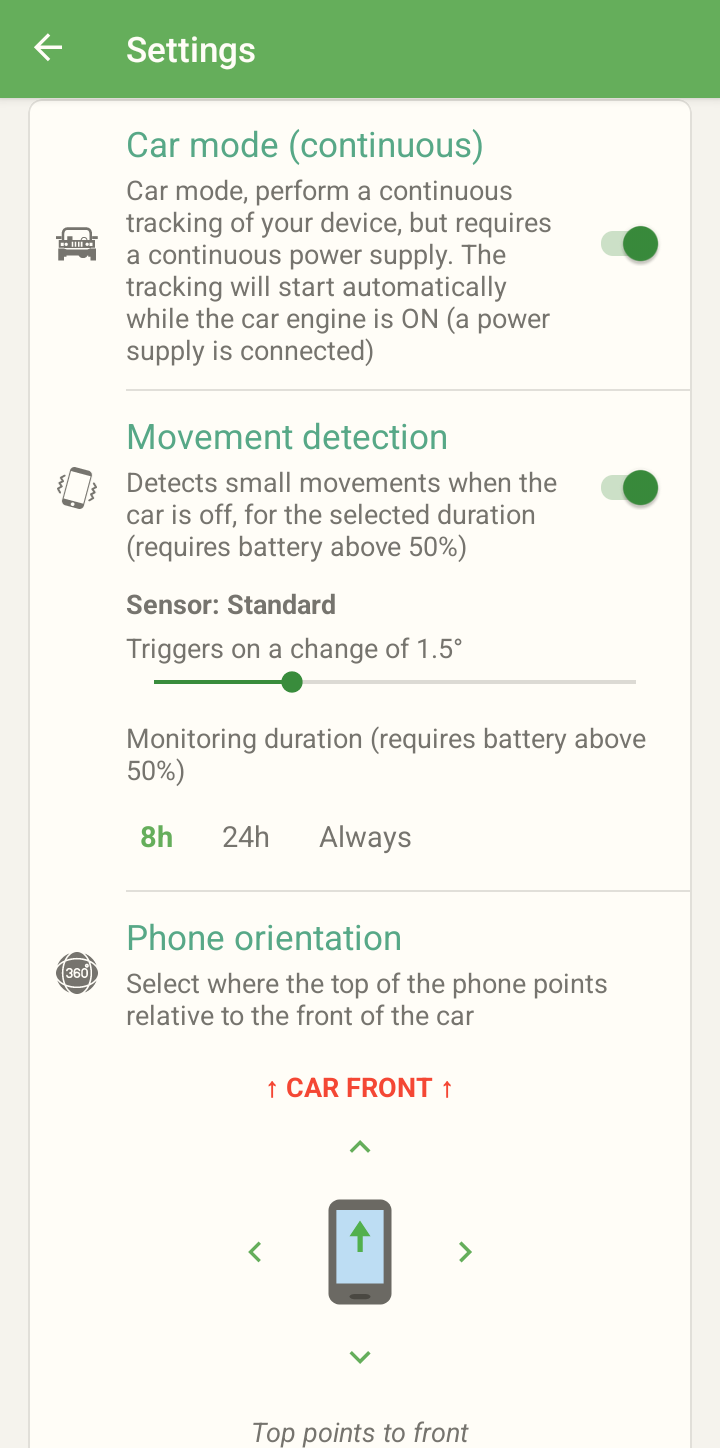
You get an alert the moment the engine starts, and you can follow the car on the map. Parked with the engine off? The phone notices when the car is moved.
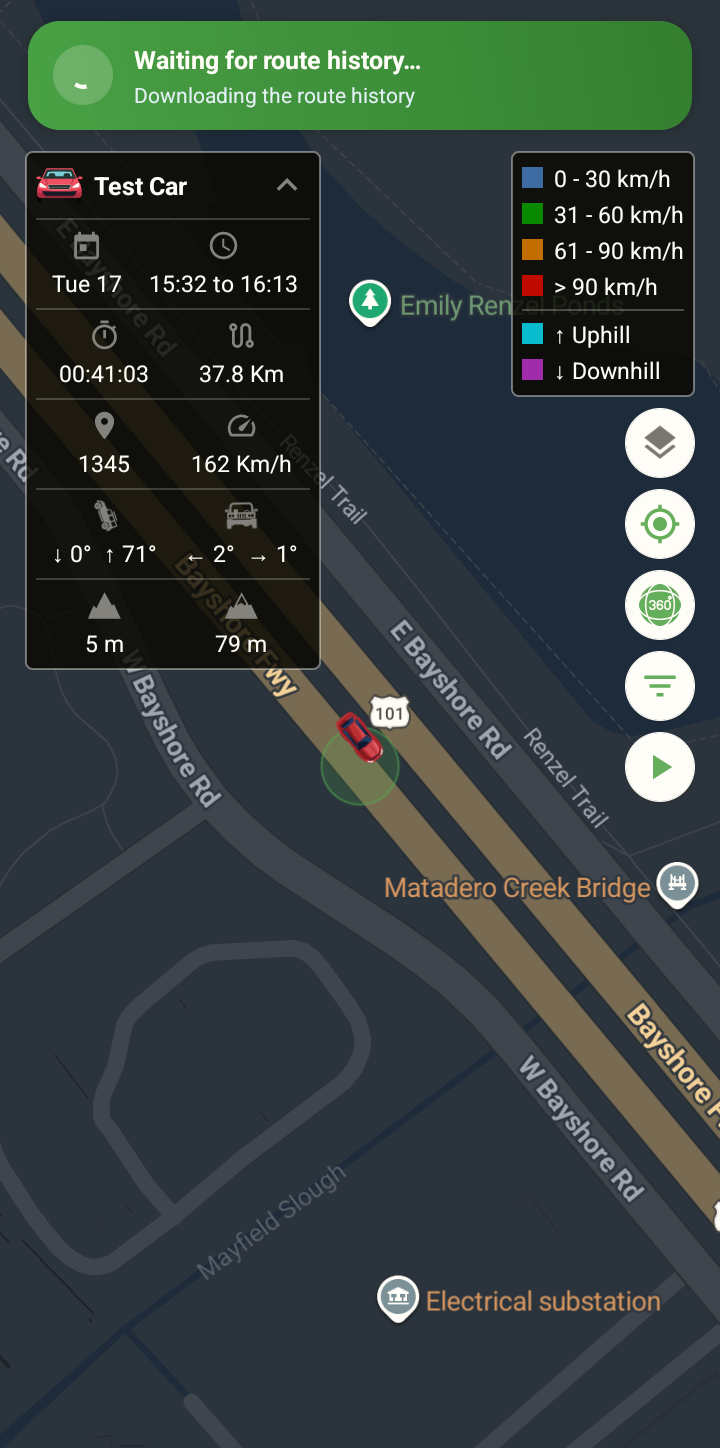
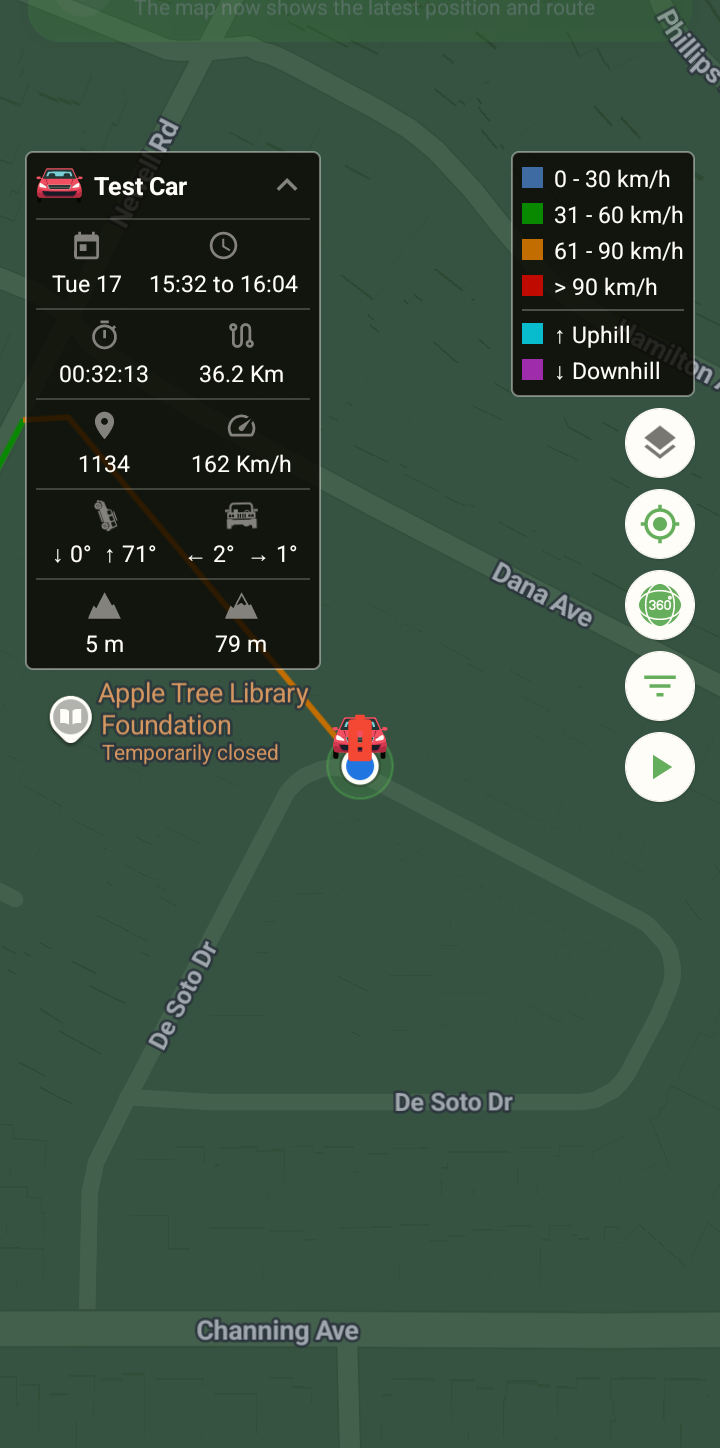
Every trip, in detail
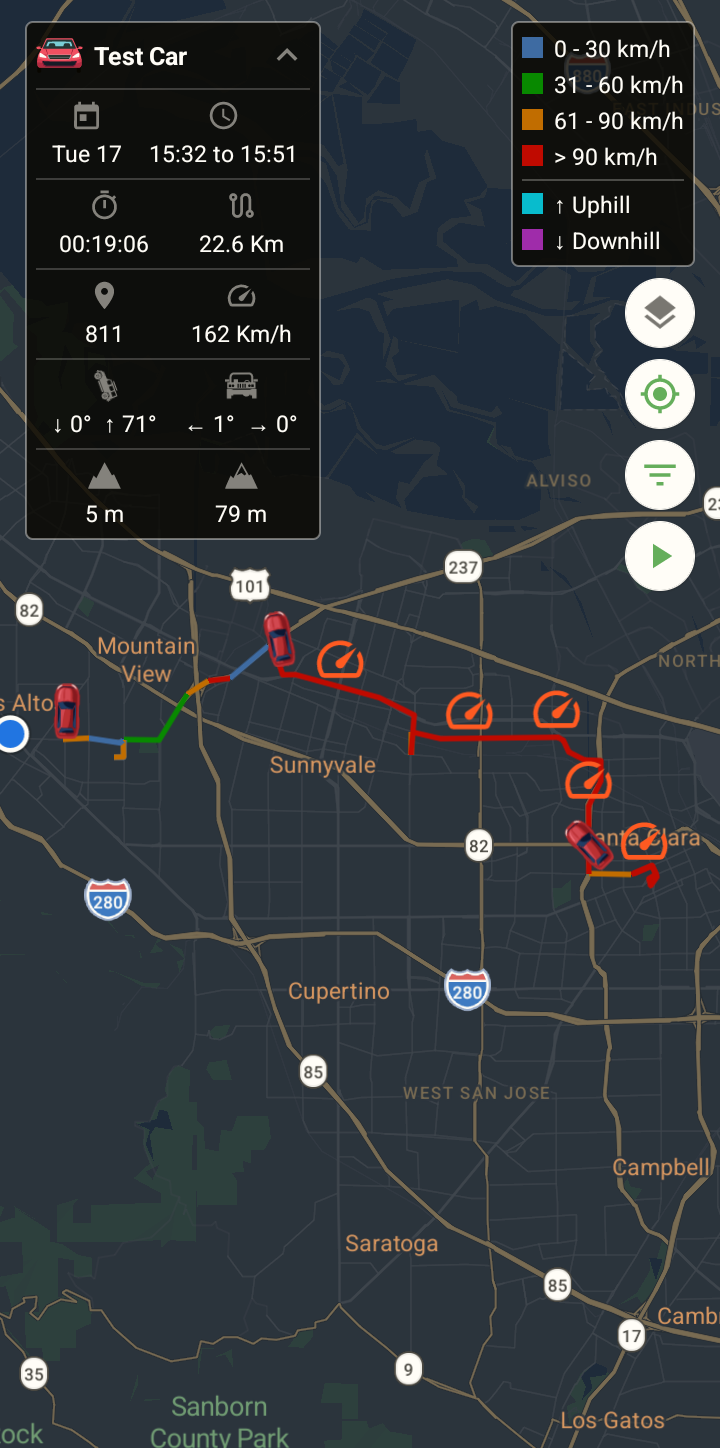
Distance, duration, stops and top speed, with the route colored by speed and a replay you can play back.
An alert the moment someone starts your car, then follow it live.
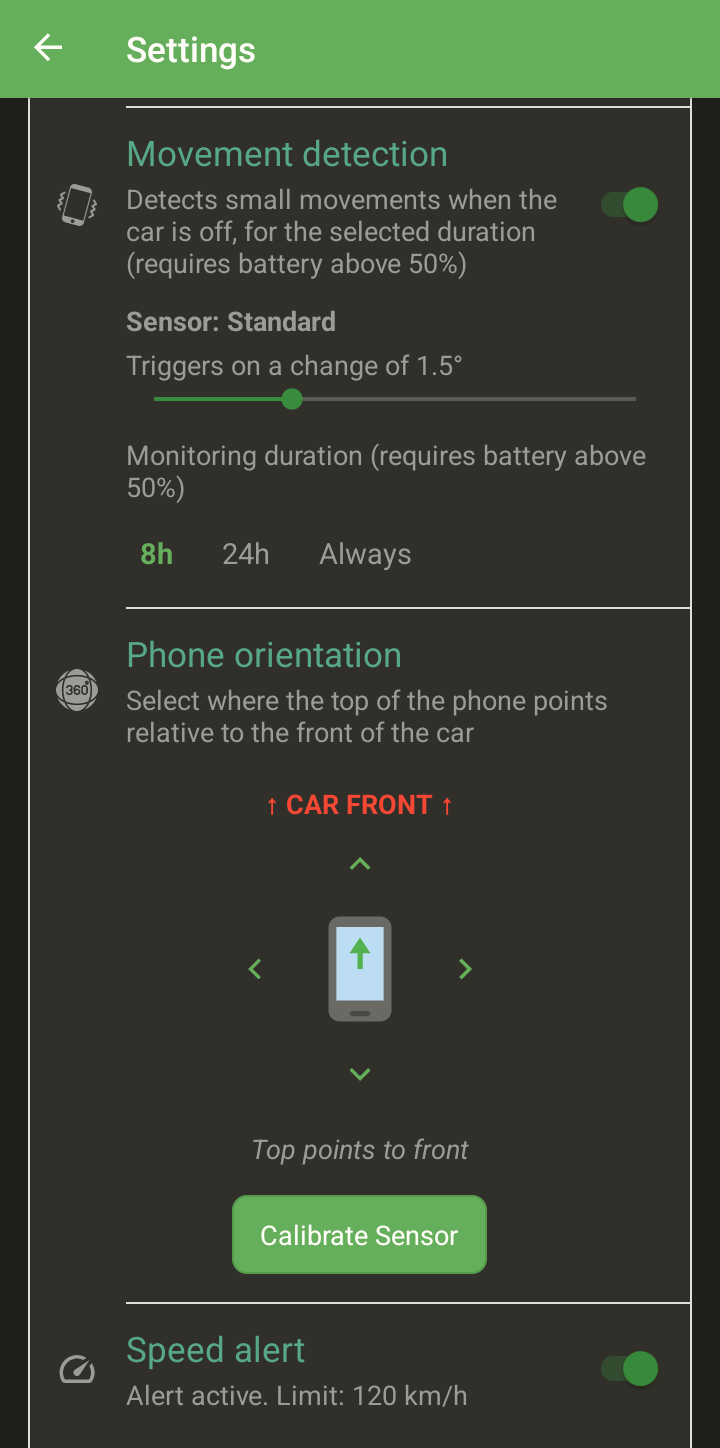
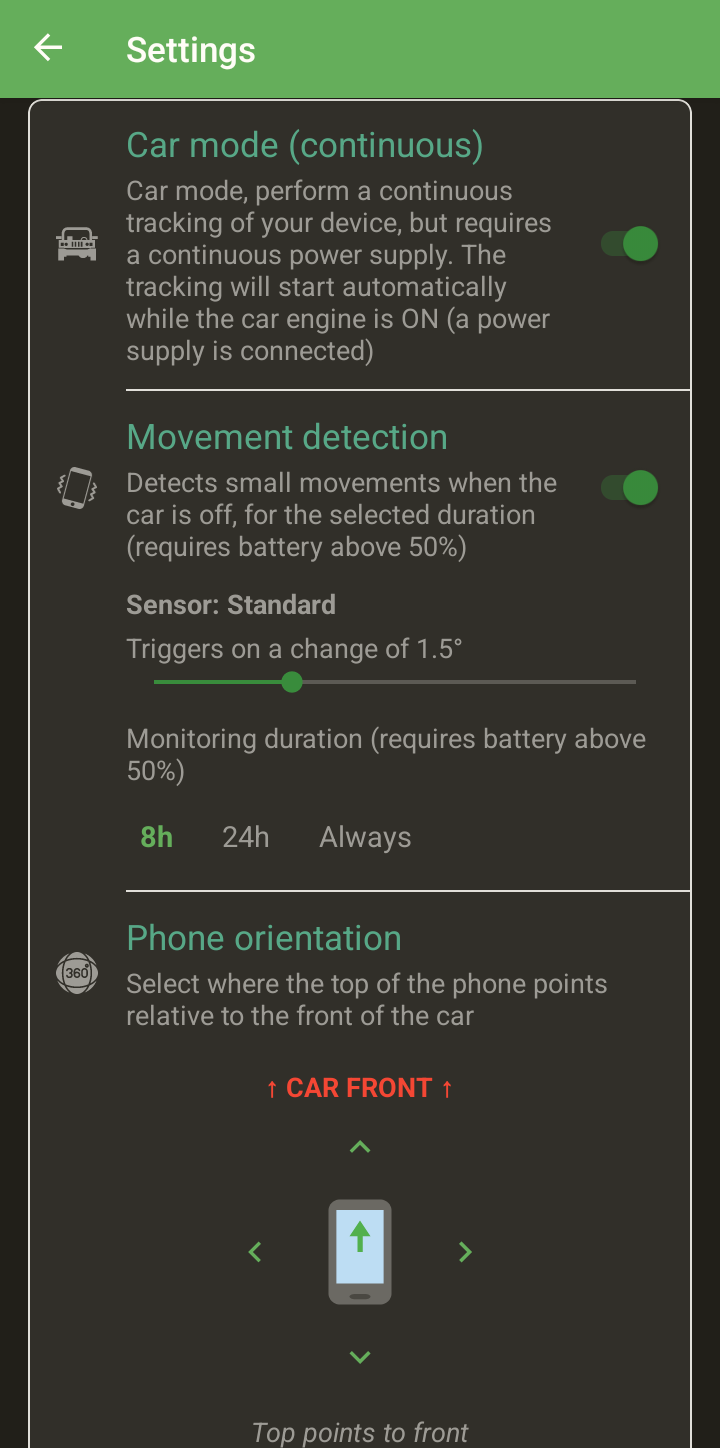
The phone feels small movements and warns you if the car is moved with the engine off.
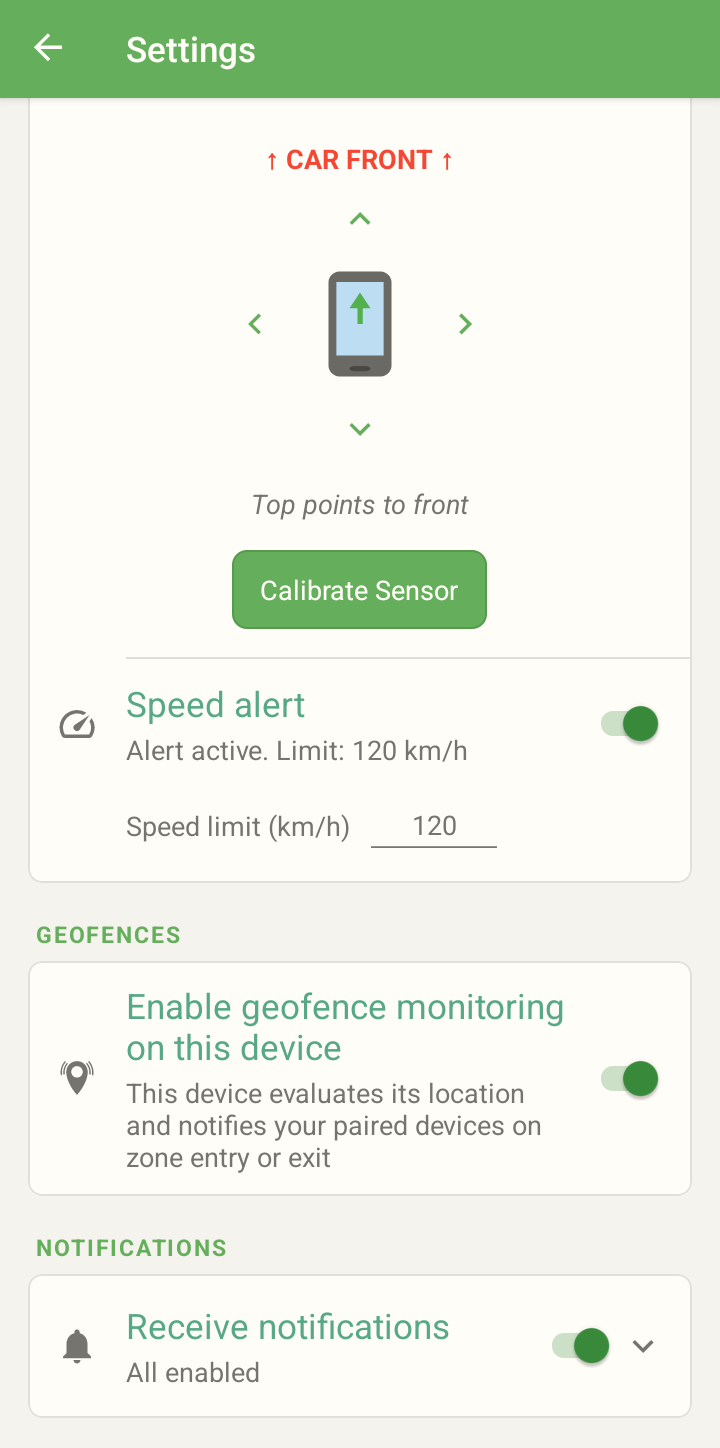
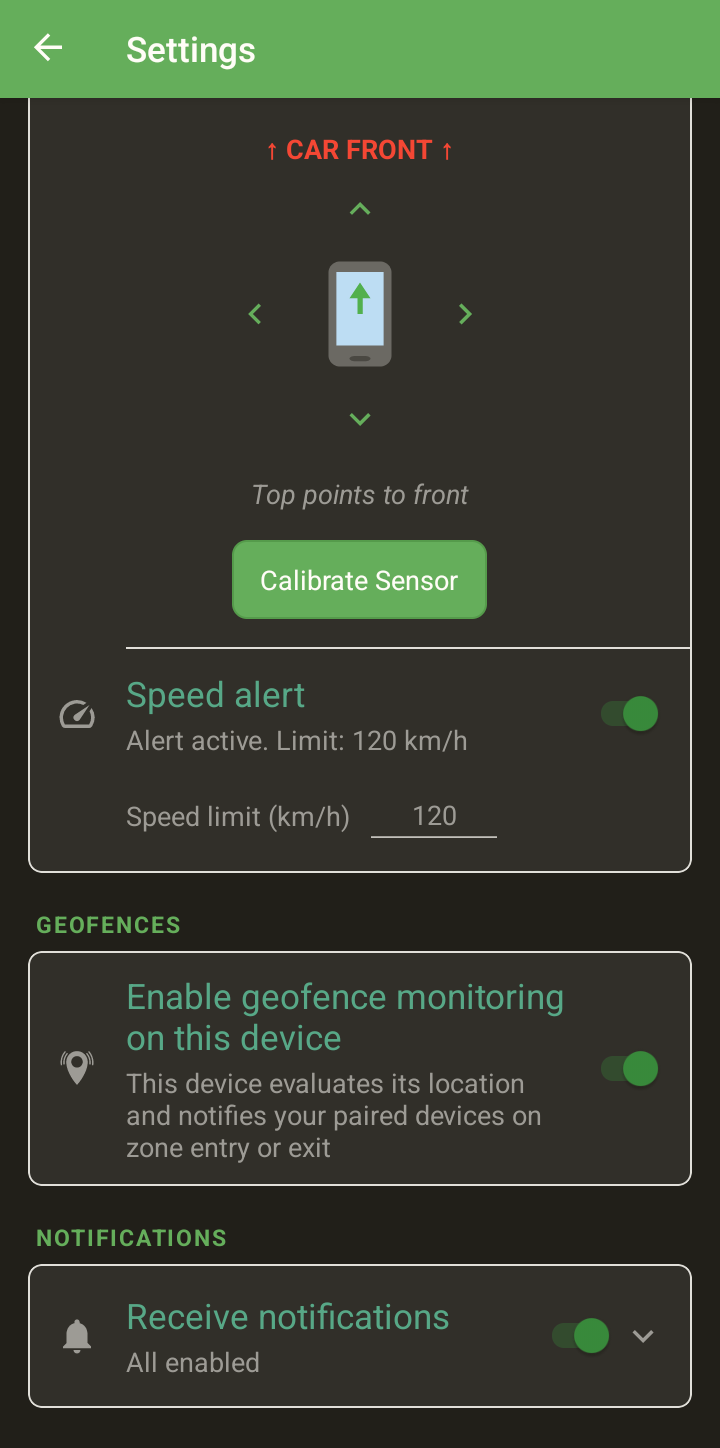
Alerts when the car goes over your limit or the phone runs low.
Know when a device stops reporting.
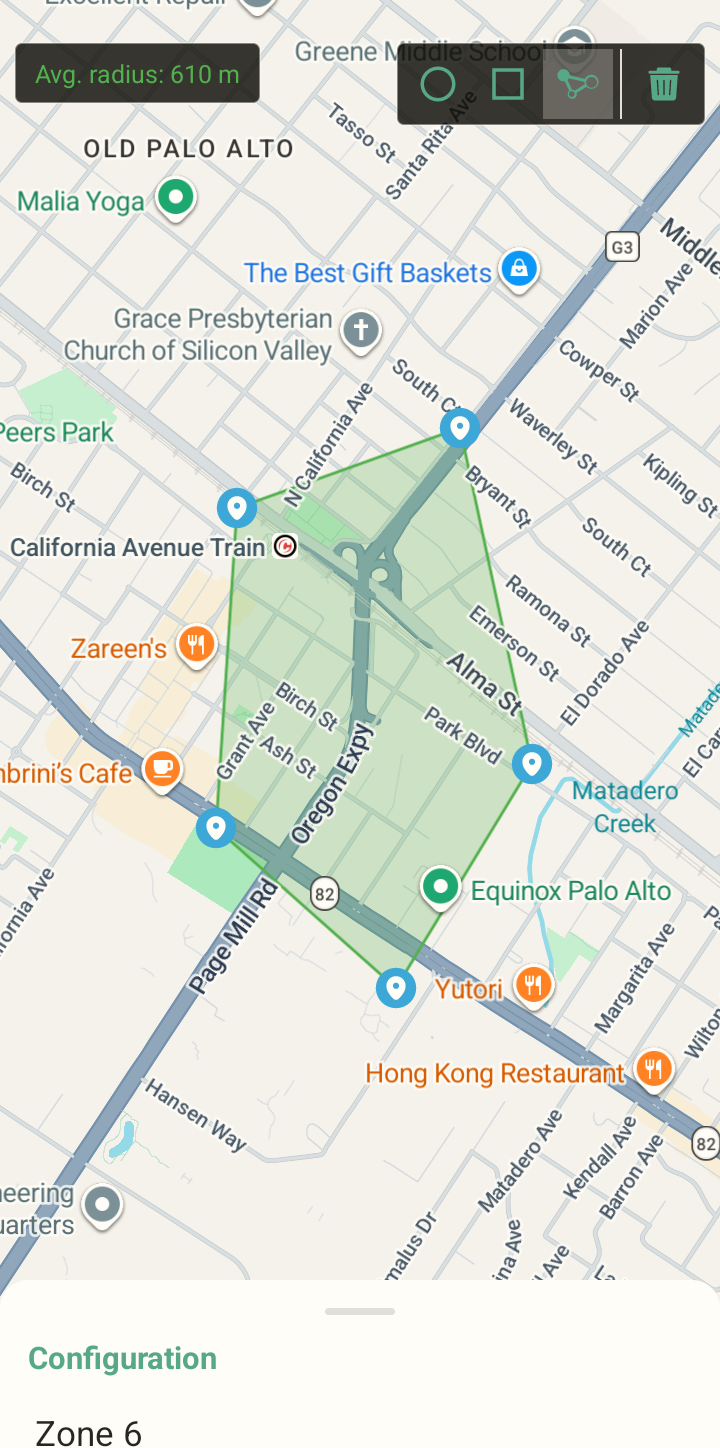
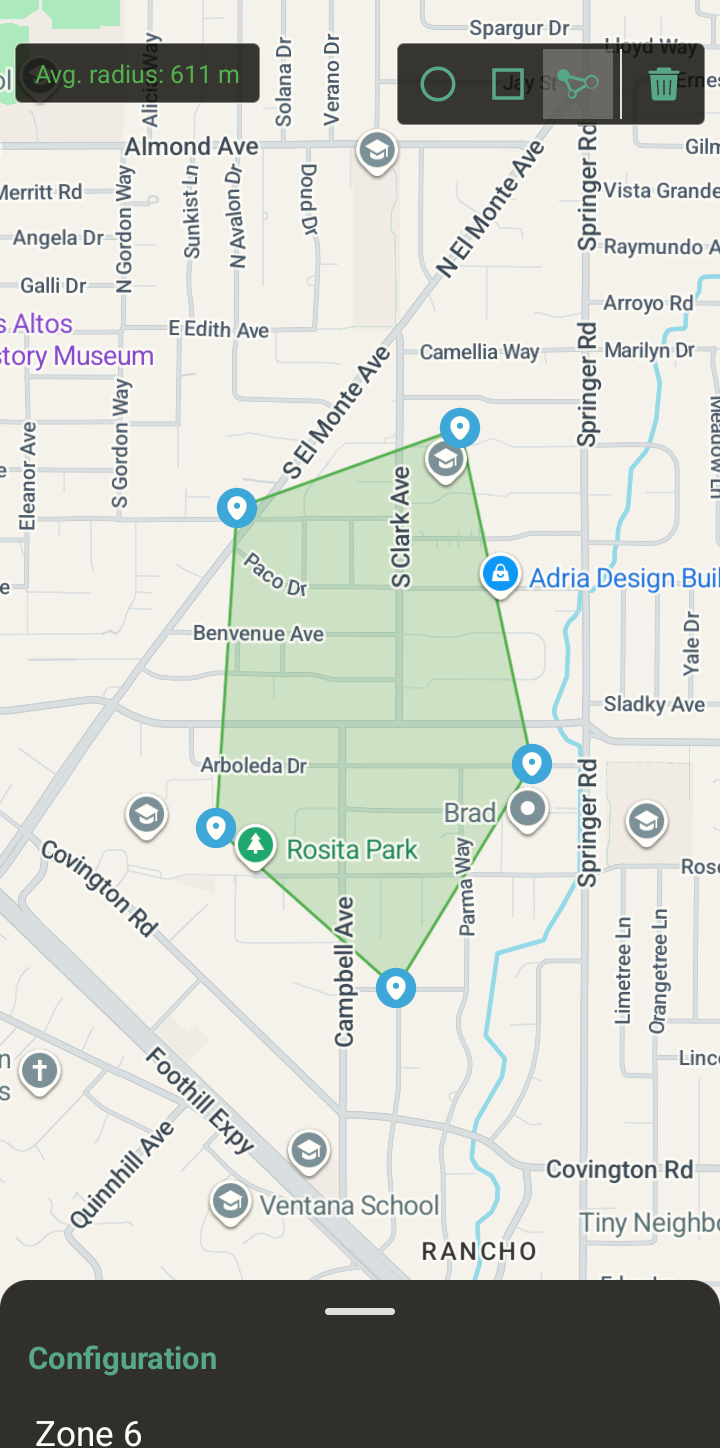
Geofences
Circle, square, diamond or polygon, active on the days you choose.
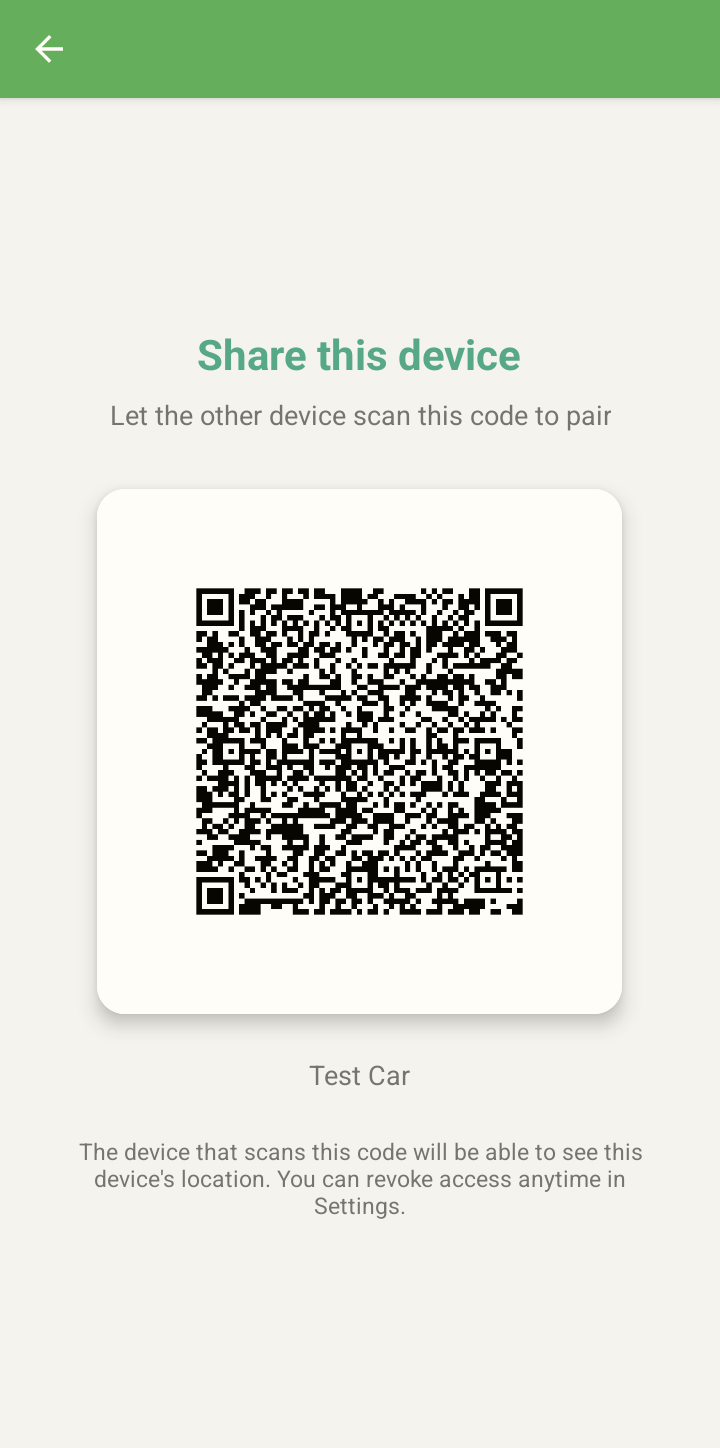
Your phone and the spare one, signed in with your Google account.
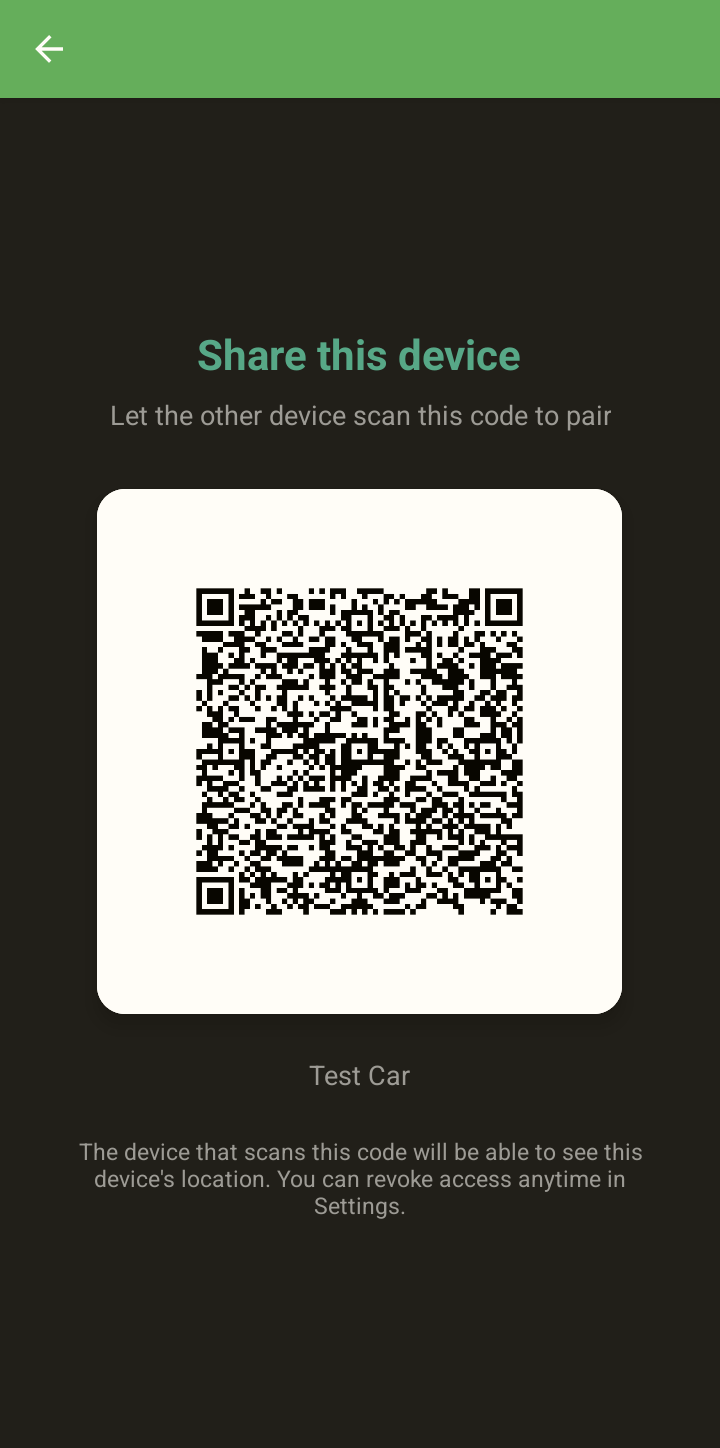
Both devices accept. Nobody can be added from a distance.
Plugged in, with car mode on. That's it.
Yes. Car Tracker is free, with no ads, no purchases and no subscriptions.
Two Android phones (Android 5.0 or later) with Google Play services, signed in with your Google account. The phone in the car needs mobile data and works best plugged into the car's power.
Encrypted (AES-256-GCM) in a Tracker folder in your own Google Drive. The app can only see the files it created, and we run no servers with your location.
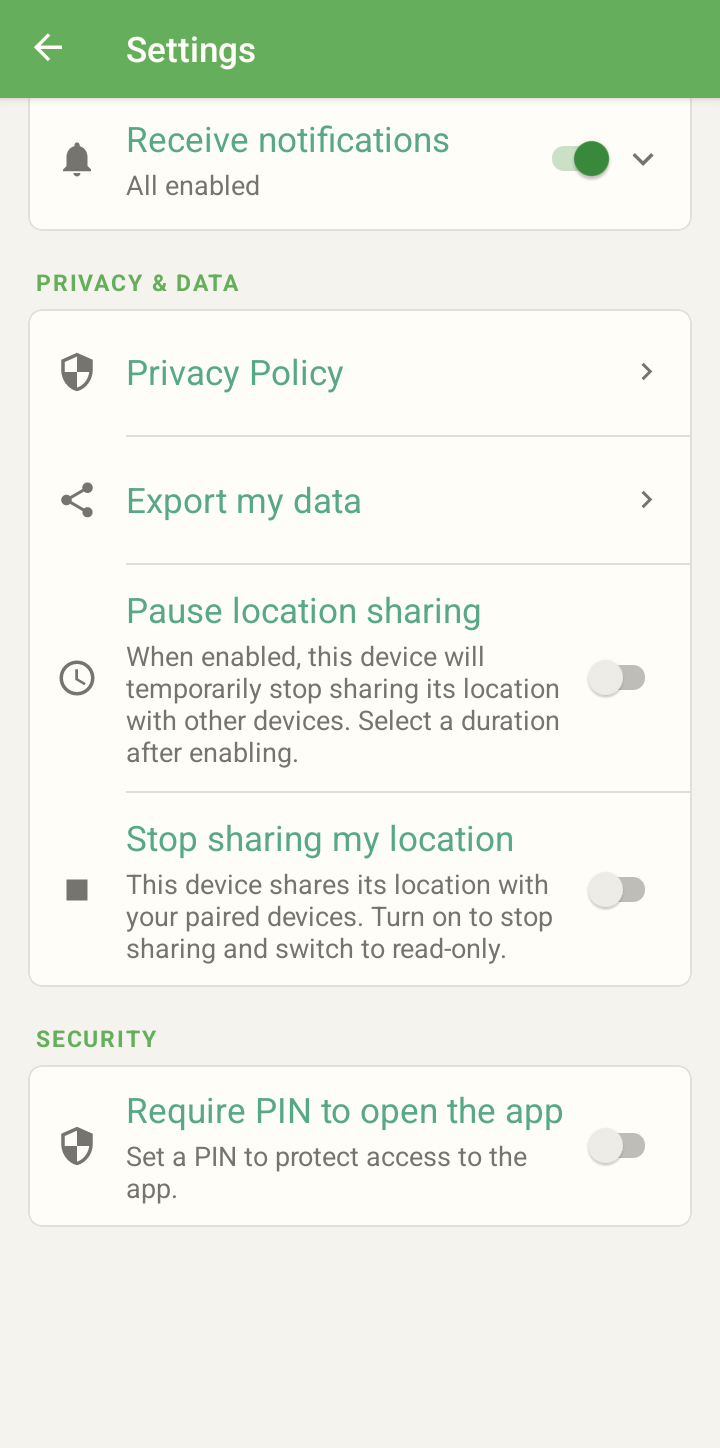
No. Car Tracker is for vehicles and devices you own or are allowed to track. Devices pair only when both sides accept a QR code, and a phone that shares its location always shows a notification.
No. It helps you know where your car is and what happens to it, but it is not an anti-theft or emergency system: it depends on coverage, the phone's battery and Android's background limits.
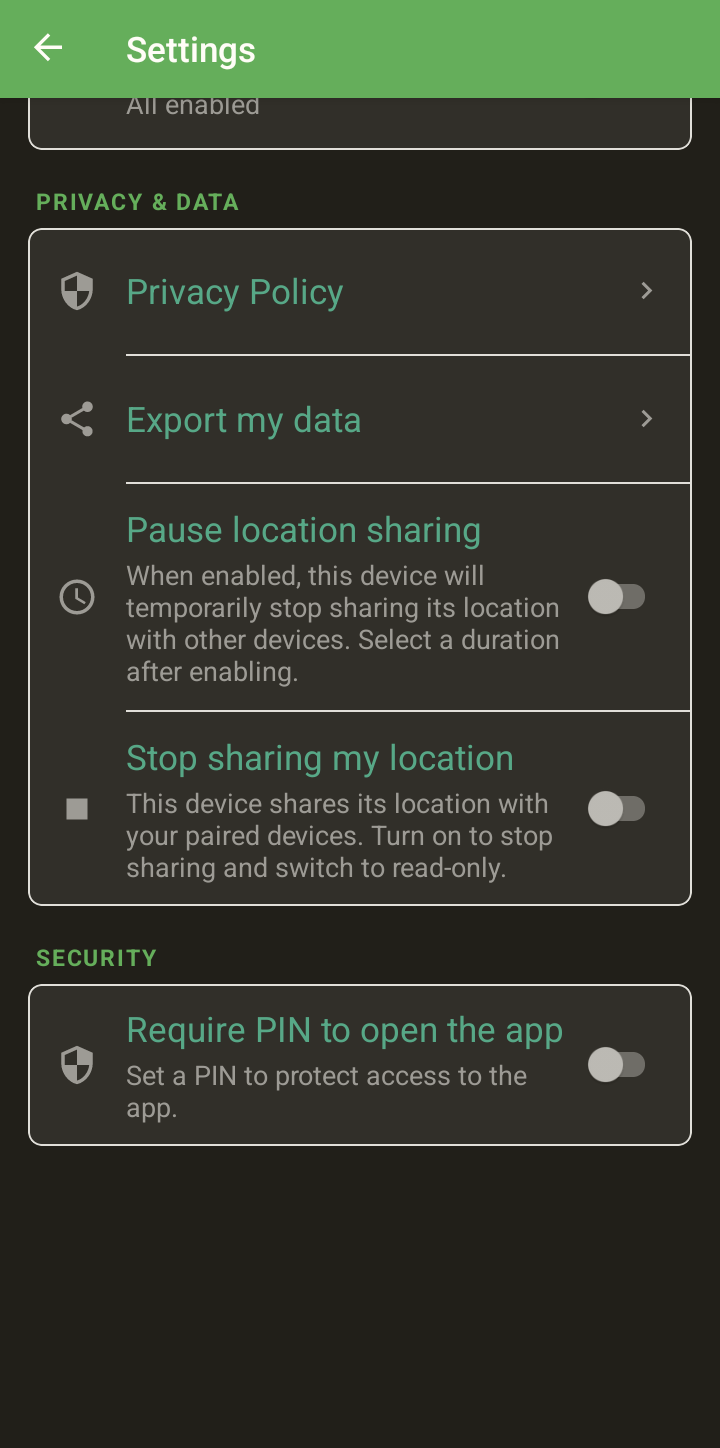
From Settings you can export your data, stop sharing, remove devices or delete your account, which also deletes the Tracker folder in your Drive.

Your car protected. Your devices in sight.

Free on Google Play · Android 5.0 or later · 30 languages